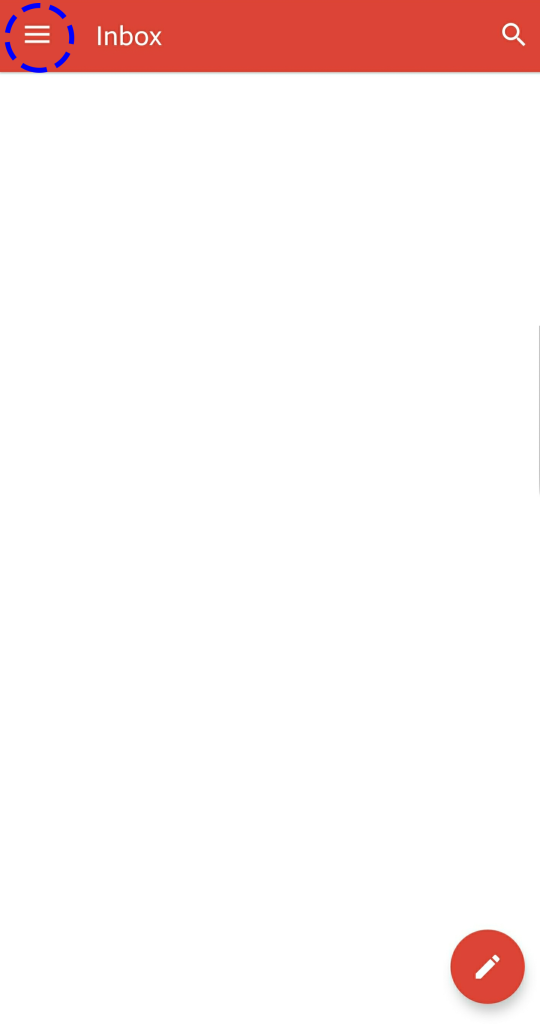
Click on the Gmail App and Click on the three bar on the top left corner
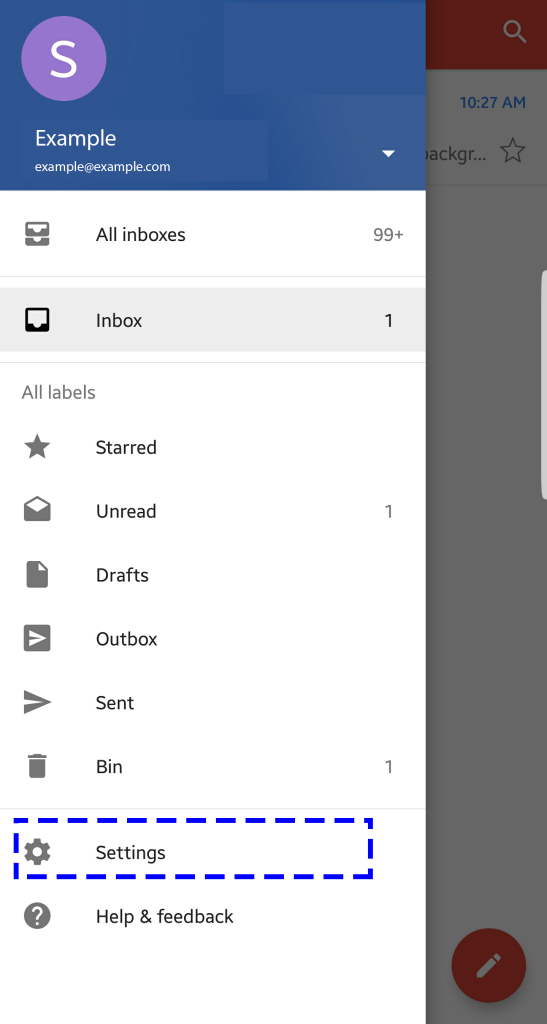
Click Settings
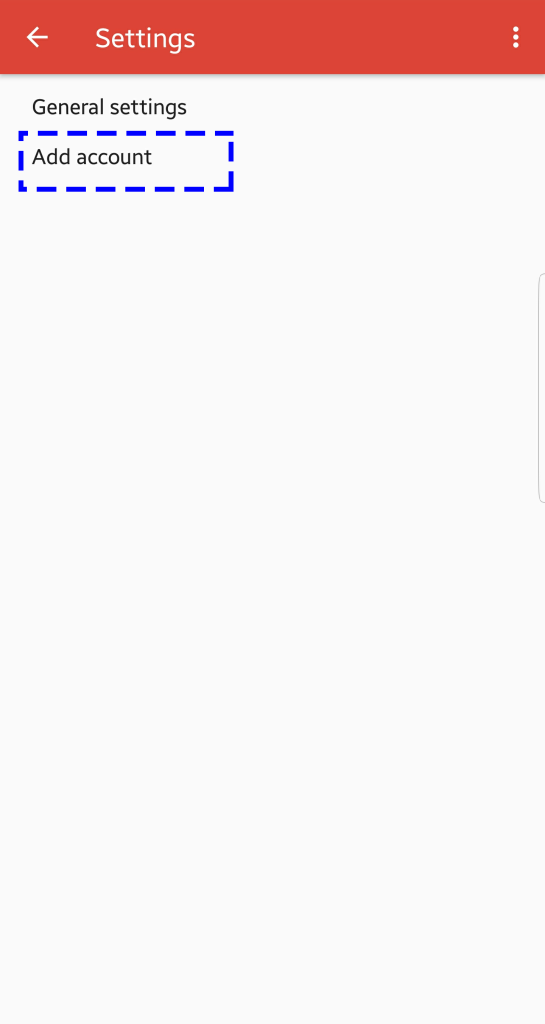
Choose Add Account
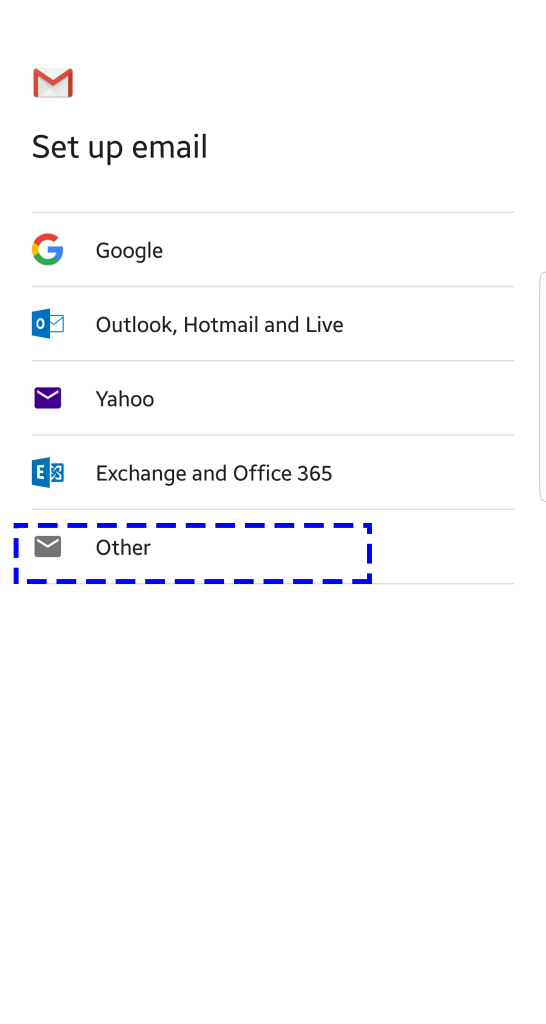
Choose Other
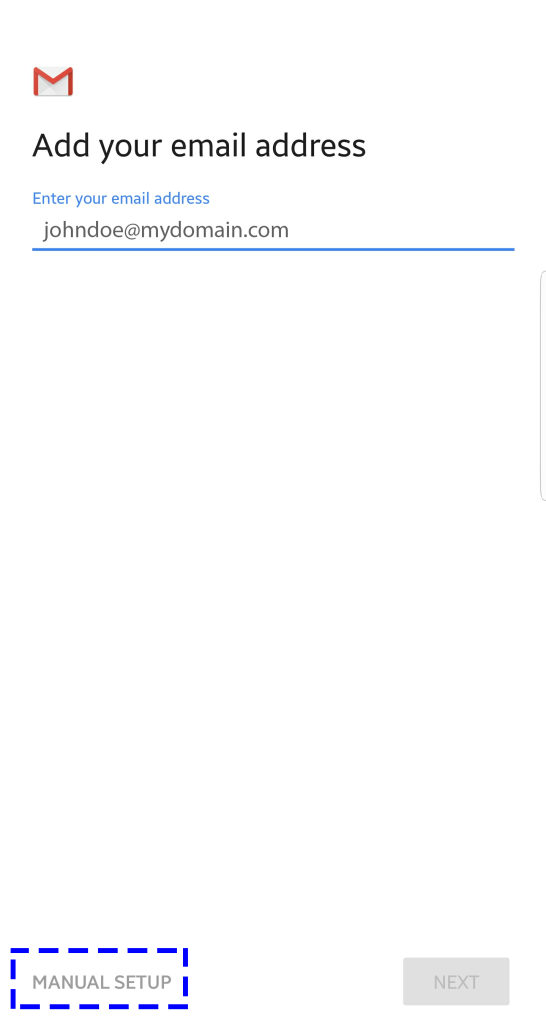
Enter the email address and choose manual setup
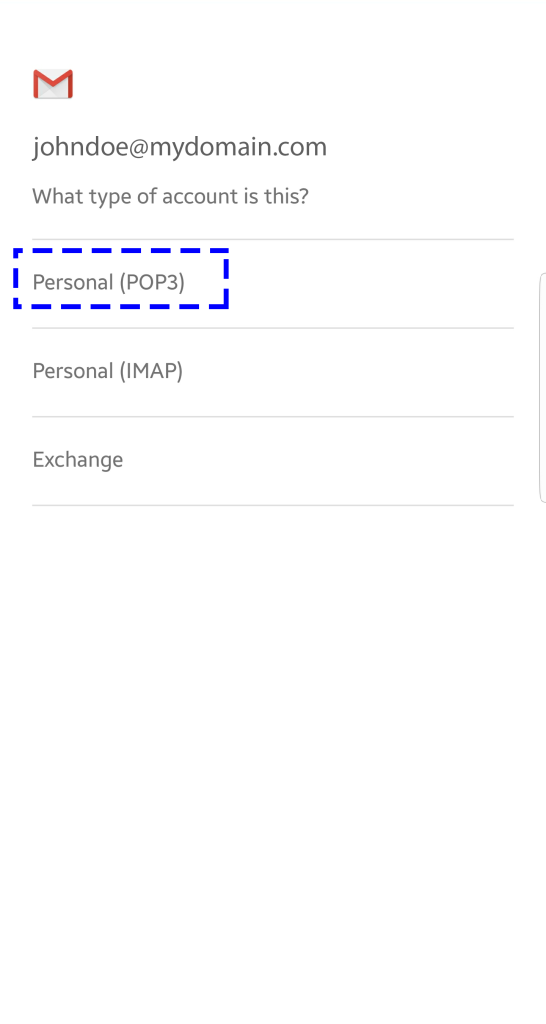
Select POP3
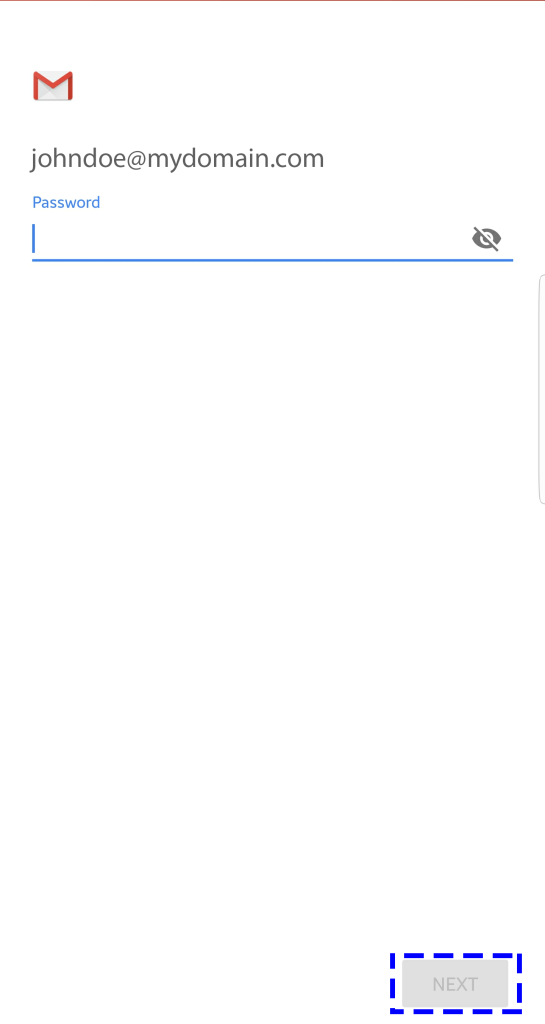
Enter your password and click next
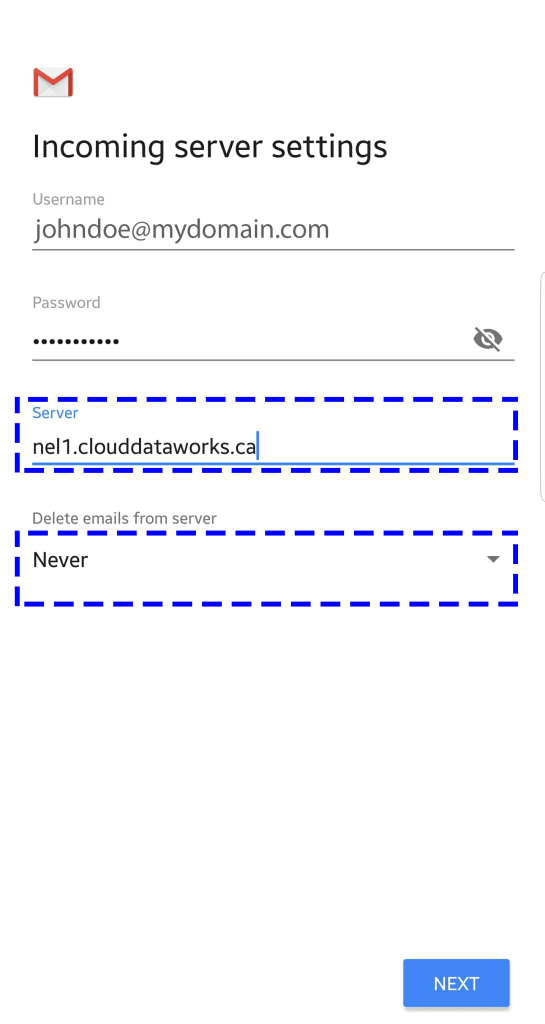
Enter the your incoming mail server ( to find you mail server number Click here)
And also choose never under delete emails from server and Click next
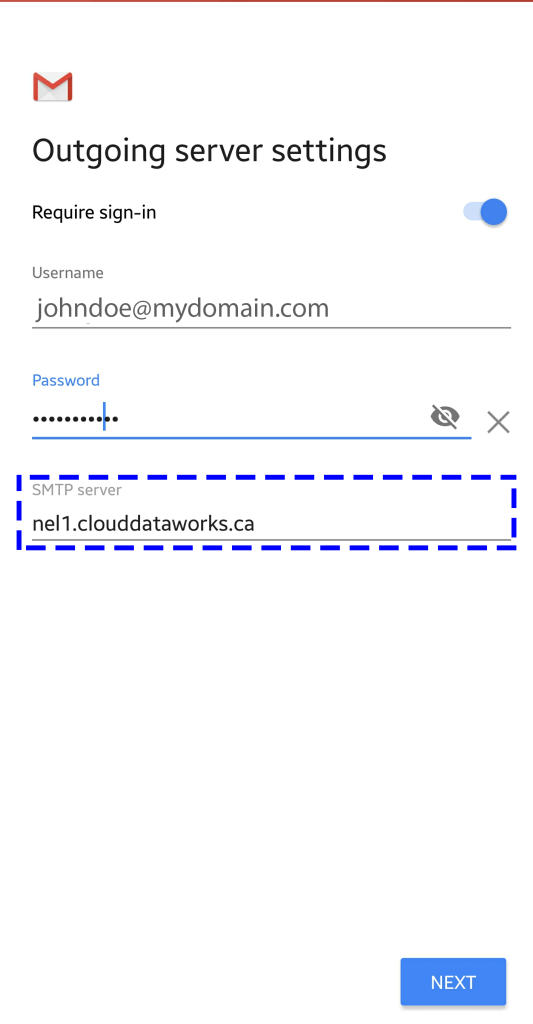
Enter the your outgoing mail server ( to find you mail server number Click here) and click Next